Guided Tours
What Are Guided Tours?
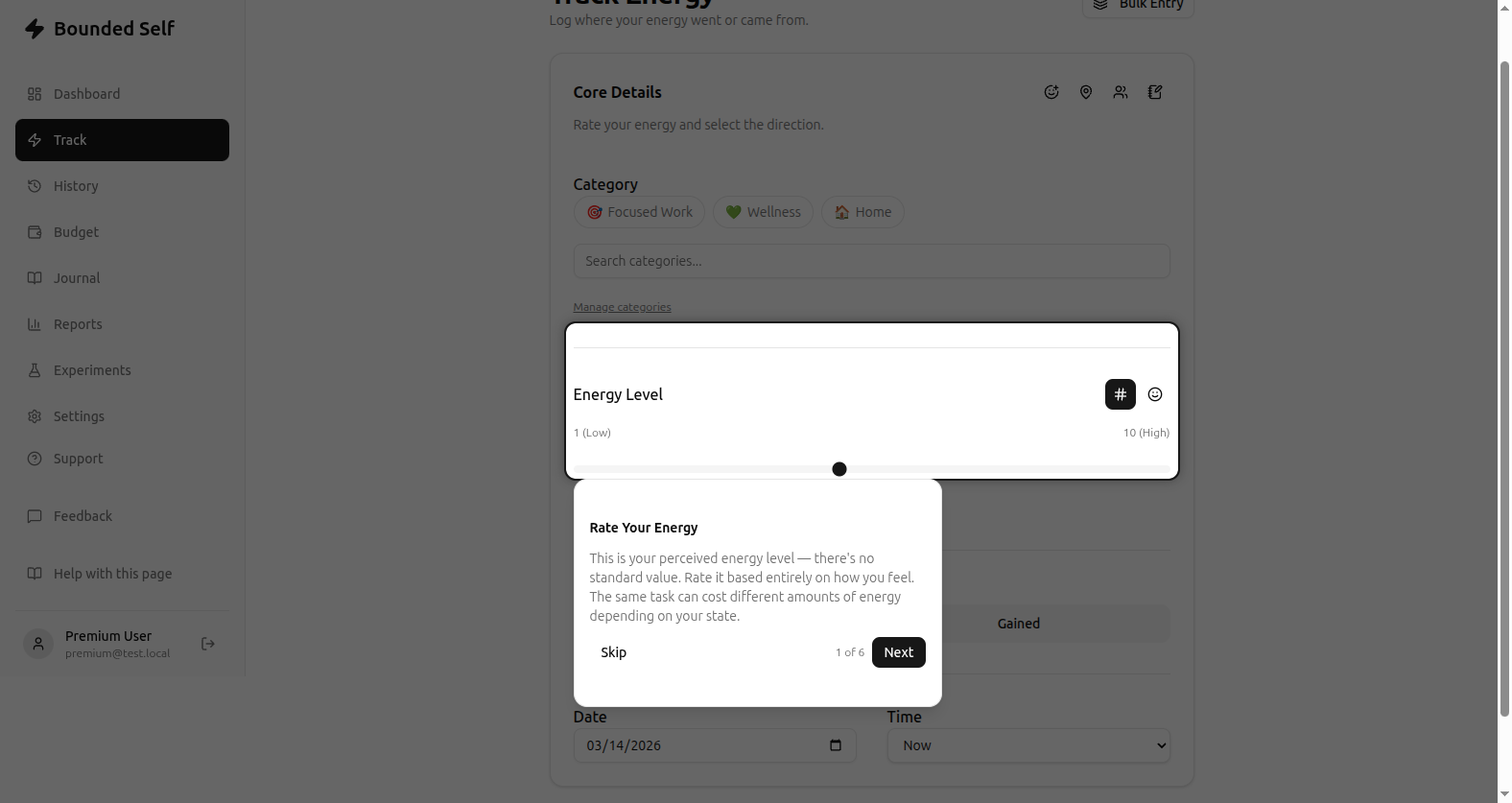
During onboarding you're offered three guided tours that walk you through the core parts of the app. Each tour highlights specific UI elements with tooltips that explain what they do and why they matter.
The Three Tours
- Observe: walks you through energy tracking: the form, input modes, and optional context fields like mood, location, and people.
- Bounded: introduces budgeting: setting a weekly total, allocating to categories, and tracking actuals against your plan.
- Self: shows how insights, charts, and the dashboard work together to surface patterns in your data.
Replaying Tours
You can replay any tour at any time from Settings → Onboarding → Replay Tours. This is useful if you skipped a tour during onboarding or want a refresher after you've been using the app for a while.
Related
- Getting Set Up: the full onboarding flow
- Your First Week: what to expect once you start tracking
- Logging an Entry: how the tracking form works