Your Entry History
Your energy history
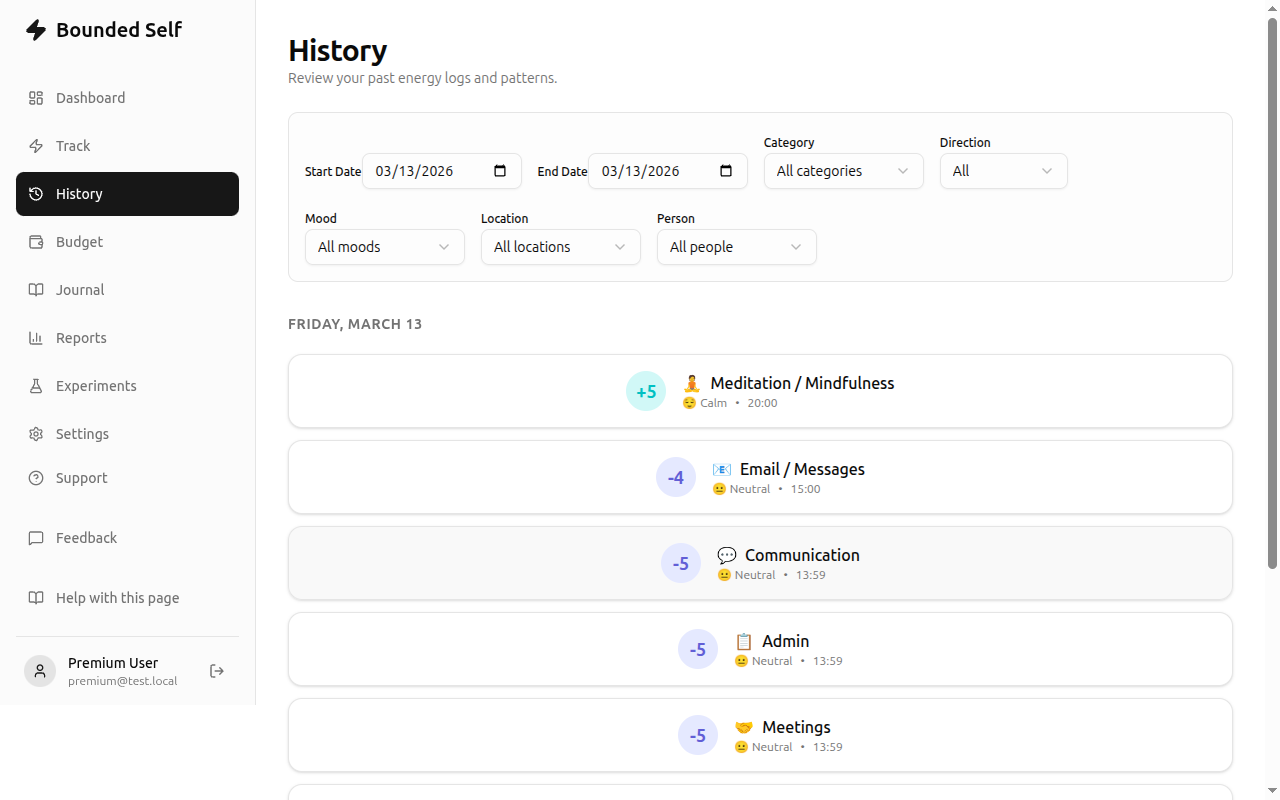
The History page shows every energy entry you've ever logged, grouped by date with the most recent entries at the top.
Browsing entries
- Entries are displayed in chronological groups with sticky date headers so you always know which day you're looking at.
- Each entry card shows the energy value, direction, category emoji, mood, and timestamp.
- Pages show 20 entries at a time. Use the Previous / Next buttons at the bottom to navigate.
Filtering
Use the filter bar at the top of the page to narrow results:
- Date range – pick a start and end date to focus on a specific period. Available to all users.

Editing and deleting entries
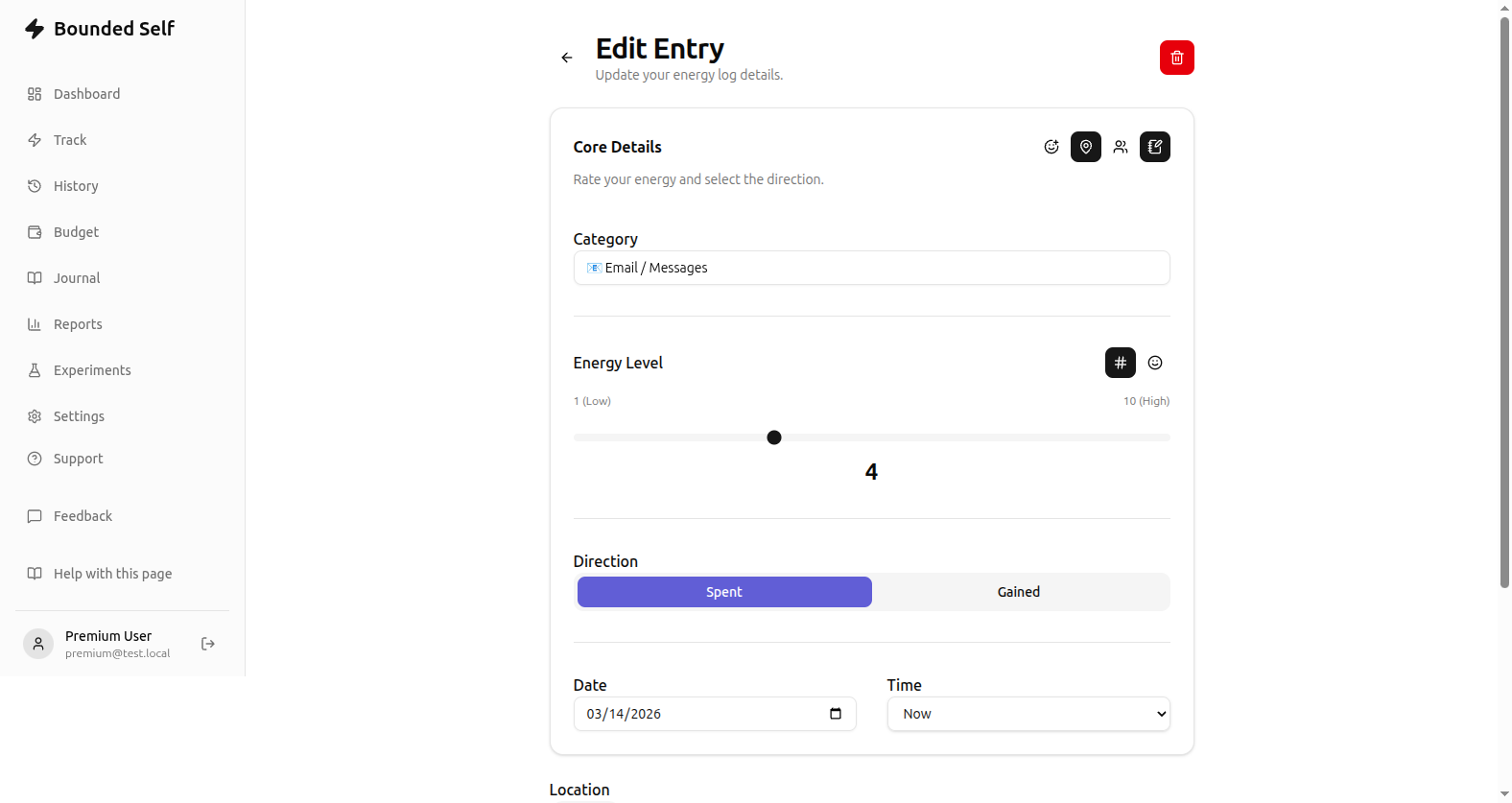
Tap any entry card to open the edit form, where you can update the energy level, category, direction, or any optional fields like mood, location, people, and notes. The edit page also includes a delete button (trash icon, top right) to permanently remove the entry. Deletions cannot be undone.
Premium filters
With a premium plan you unlock additional filters:
- Category – show only entries from a specific category.
- Direction – show only gains or only expenses.
- Mood – show entries matching a particular mood.
Combining filters lets you answer targeted questions like “How many high-energy gains from Exercise happened last month?”
Related
- Tracking Energy – how to log new entries
- Plans & Pricing – unlock premium filters